Tuesday, 31 July 2018

Tuesday PD in Kawakawa end of July 2018

What a JOY to start our day with:
the video

Lots of learning has happened today with some sharing perhaps?
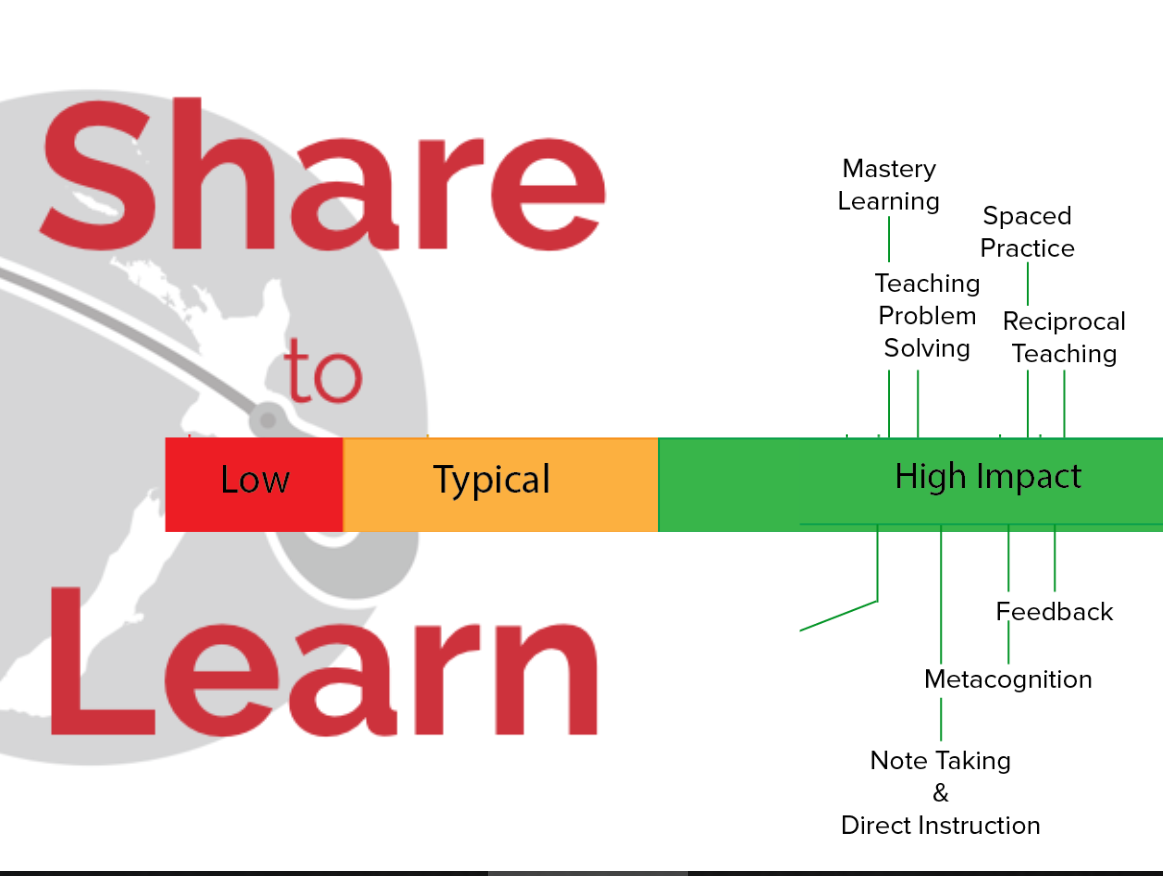
This term our focus is:  SHARING


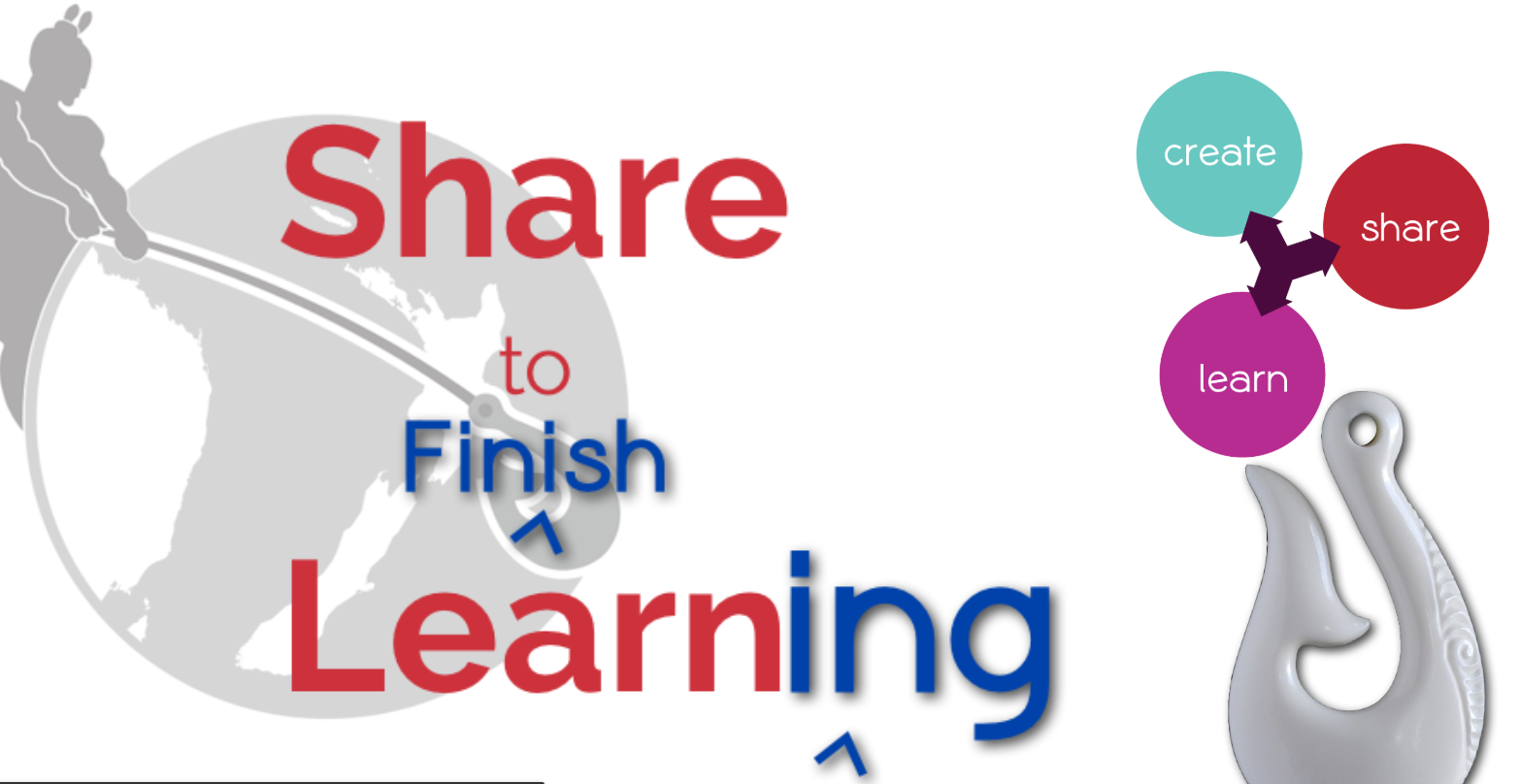
SO, we will use sharing to finish our learning.
Our focus is therefore to do most of the sharing of their learning through their
Blogs. Whaea Kerry will be available to support all teachers and students to

Set up their blogs and to start sharing our learning.
So how do I blog...where to start?


WHY EDUCATORS USE BLOGS

The main reasons why educators use blogs include:
  • To share information and class news with parents, family, and caregivers.
  • To provide students with a way to access assignments, homework, resources, and information about their class online.
  • For global collaboration and authentic audiences.
  • To inspire and motivate students.
The benefits of class blogging include:
  • Having an authentic audience
  • Covering new and traditional literacies
  • Forming home-school connections
  • Covering digital citizenship authentically
  • Providing an online home for digital and analog creations
  • Developing thinking and reflection
  • Building a classroom community
  • Developing essential ICT skills

Monday, 30 July 2018

Who, who , who is this person?

Who am I...

I am Whaea Mina,Mrs Voigt or as a lot of students in New Zealand call me:  Mama Afrika.

The students who are not in my class sometimes ask me:  Whaea, why do they call you Mama Africa?...this is why:

 In my country, Africa (and I am from the southern part:  South Africa) , this is a "respect - thing".  If you have respect for an older lady (one who is not so young any more😜) you will greet her with:  Good day Mama... and because I am from Africa...students call me : Mama Afrika.  I have a heart the size of Africa, and I love my job and every student in my class, I see as my child. At a previous school my nickname was DAISY, but my real name is HERMIEN, my family calls me MIEN (pronounced mean) or MINA.

I was born during a cold, rainy winter storm, in a clinic just outside Cape Town in 1963.  I was the youngest of the family, and my sister believes the most spoiled one. My mom says I was born with a smile on my face, and have always been a happy person.  I decided to study to become a Math teacher after I realized that I have the ability to teach my fellow students (at school) Math when  our teacher resigned in year 12 and we had to get through the struggle with a relief teacher, who could not help us with our maths.

I lived with my husband and our 4 children in South Africa until 2011.  We , my husband and myself, then immigrated to New Zealand.  This was the hardest decision EVER, as I had to leave EVERYTHING that I know, my roots, my children, my pets, my friends, my country, my house, behind and START something new, with the faith and dream that it will all work out, and that they will be able to join us in New Zealand at some time.

 I love life and believe that Math is a performing art.  I live my life with the 4 L's:  live, laugh, love and leave a legacy.  I am probably the most positive person that you will ever meet.

My favourite mathematical quote is:

Image result for picture of africa


click here for the video
Cape Town video

Wednesday, 27 June 2018

The end of the course, but the start of more great learning

So this is the END...but what a brilliant start to my learning journey.  It was a HUGE disappointment as I did not get to finish the exam.  There were two parts of the exam, and I did not plan my time wisely, as I did not know what to expect.  There were 11 scenarios and I only got to do 4 of them.  If I attempt the exam again, I would first finish the things I am confident in doing, try to do the scenarios first and the the last 40 minutes on the multiple choice part.  So this day in itself was a huge learning curve for me:  The feeling of extreme stress and feeling of time is running out during the exam, made me realize that every time students are being assessed in my class there will be some of them that have a similar experience, like I've had today.  Also I had this feeling of I am not ready for this exam, and I hope that students don't feel like that when they enter my room for an assessment.

It was absolutely brilliant to work with this amazing room of such positive people who were all learning with me. It was good to learn about Manaiakalani and the hook of learning, and why we are doing what we are doing, and making this digital journey a "united journey" and that we are not alone on an island, but all together on this island.

Need more:
focus on google exam, as I opted out of using some things which did not apply to my everyday life when we were learning, not realizing that I would be asked to do this during the google exam.

Today I've learnt:  how to embed my own screencastify video on my blog:


Need to know more about:
1. spread sheets
2. calendar sharing a doc
3. email notifications
4. subscribe to a youtube channel

My learning as shared with our staff at staff meeting on Tuesday 26 June:


Wednesday, 20 June 2018

Rainy days in Kaikohe


Wednesday 20 June:

Gerhard Vermeulen from Ako Hiko  Education Programme Lead introduces himself….another South African living the dream in our beautiful Aotearoa.
NIce rainy wintersday to stay indoors and to learn.
Your chromebook ....
Otherwise it is ONE expensive tool.  These 4 words should be interlinked..part of the Kaupapa.


Deep dive...to help you engage in your professional flow..to be efficient and effective in your workflow.
Tools to help your manage multiple windows and tabs:
Chrome extension:  "one tab lives" up in the top of your screen. How to get one tab: google one tab extension

Reminder: the url bar is now called the omni-box
Another extension is: Toby for chrome...can drag and drop any open tabs in here even gmail, hangouts and google drive...you call it workflow, make a new one for your class, with hapara, blogging, etc...make multiple collections for your different parts of the day/life. Recommend toby mini extension, otherwise it opens every time you log on, and can be “irritating”. To remove it from you bookmarks right click on it and remove.
Managing your extensions:  Extensity lives in your omnibox (url bar) add to chrome to manage all your extensions.

How to organise the emails:  archive emails don’t delete them (communications)
Archive =hide, mute emails from your inbox
Labels = use to organise your mails
Filter = automate your emails to save time
Starring = star emails as important, like a reminder
Conversation view:  groups conversations together
Settings

Share part of today:

https://docs.google.com/document/d/1CHTdQnoeFu0oCXPcVBte0nhzknPehMHW2s0iyKVAckE/edit?usp=sharing
here is our hangout group:
how to put a photo on your blog .  Register for the exam before next Wednesday and bring a shared lunch. Brilliant day of learning, thanks to everyone!

Wednesday, 13 June 2018

Taipa Wednesday!!

What a blessing to finally admit that I feel more digitally empowered, and more positive about my digital abilities than 6 weeks ago.  To have one of your difficult teenage students tell you:  "mama Afrika, you are my hero" because you've posted a video of you doing the homework problem, and they could  relate and understand after listening to the video, pausing and trying it...YAY!

Wednesday 13 June:
Learning for the day:
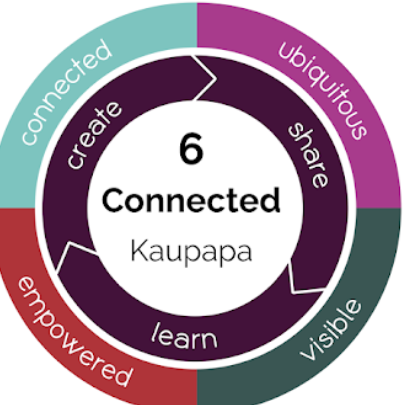
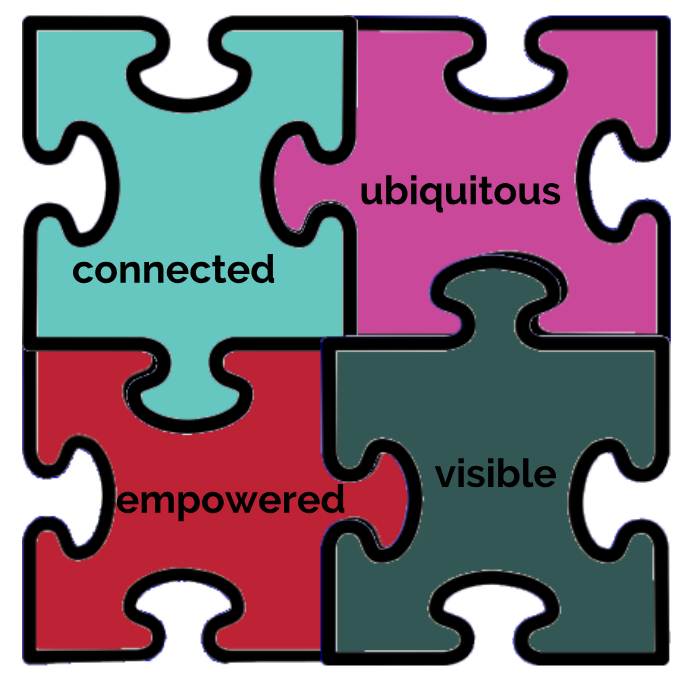
School connected because we all belong together...schools are standing together with this common goal. Lots of opportunities to “belong” together and to share with each other because of this common goal. 22 000 plus learners...all with this common goal. Have a shared language and we all paddle in the same direction. Impact on learning, and we all know what it is that we focus on….why and how. The visible nature of learning keeps us connected. We are all talking about the same “things”...share about being cybersmart, support and connections!!

Focus for the term:
Term 1:  earn
Term 2:  create
Term 3: share
Term 4:  learn, create and share


Toolkit: Face to face opportunity, to “learn” from others. Engage with Manaiakalani Site. At a cluster level, connect with others. We will soon have a cluster Up North.


Sites: If you want to “take” something from another teacher’s site, it is nice to send an email when you want to “borrow” something ...It opens a conversation, and a network connection. Usually when it is there, you may use it, but it is polite to just communicate with the “owner” of the site.
Tweet and Blogs: Tweeting and blogging are ways to connect with each other and to share learning.


Quad connecting: 4 classes connect to each other to comments on blogs, and blogging on other school’s blogs. Build helpful and postive comments on the class blog or learners’ blogs.


Tweeter for educational tweets:  Ed chat...worthwhile looking at :  http://www.edchatnz.com/
Google Plus community:
Learning and sharing is supported by the community.
Talk and chalk part of the morning:
Learning about google sites.
All of this helps you to put it out there for your students , for sharing their learning with them.


Why: visible and accessible learning 24/7. They can get onto their learning at any time...even when they are


bored. Rewindable learning, they can go back and watch it again, or try it again or get better at it. Each learner must have their own device. Teacher dashboard. Visible to whanau. Visible planning. Have students put goals up there as well. Who are your learners? Ask them: What is going to hook you in?


What is it going to look like?
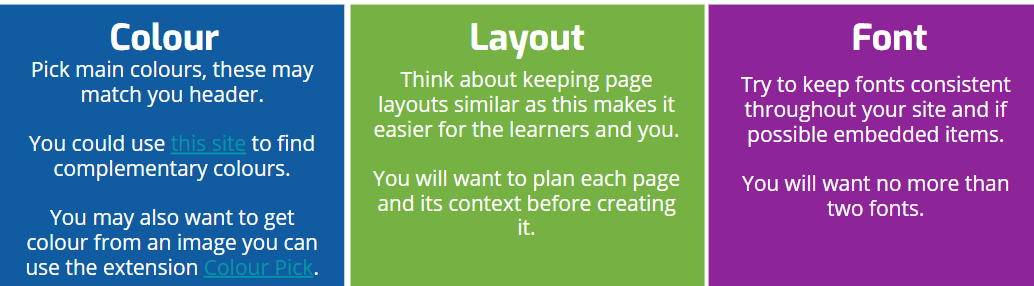
Remember the shop window!! It is what is in the window, that will draw you into the shop. Simple is best. Keep fonts consistents...no more than two fonts.


Otherwise students will get disengaged. No more than 3 clicks to get to what they need to click on for their learning.


Buttons:
High school teachers sites:


https://docs.google.com/presentation/d/1MyaI08-CQmECRAamd4oB3409si2ajXIF7nLHKSf3gJ4/edit#slide=id.g39f0f8b93c_0_268


I made a maths site for all my students not only year 9’s...how cool is this. I am so extremely excited and so blessed to have Kerry in my life teaching me such cool things;


Wednesday, 6 June 2018

wooohoo new Wednesday, new Learning, creating and sharing!!

Wednesday 6 June:
  1. Learn and practise :  google draw - ask Kerry on Tuesday 12 June
  2. Learn and practise:  voice typing - ask Kerry on Tuesday 12 June
  3. Find out from Kerry how to get the students work all in a folder that is set up...I’m sure this is
  4. part of Hapara?? But how do I see the work? Instead of sharing with me

Learning part of the day: visible!!
Visible for everyone, especially whanaua. Parents have access to class site and kids’ learning.
Kids also have a clear picture of what we are learning. Also open for other teachers, and help your
own planning as a teacher.  Gives you access to other /new / different ways of doing it.
FAIL = some kids unsure of learning, school can be scary for them, so this open/sharing takes this
away.
It is powerful when parents take time to actually care to comment or discuss it with their children.  
Visibility of blogs/ parents can comment.  Take away the feeling of “we are not sure what we are
learning”,
ultimate to blog about their learning. You don’t have to read the teacher’s mind, it is now on
their site and this is WHAT WHY HOW we are doing the learning.  Technology is just a tool,
we still need to explain it in real life.  Unpack the learning and success criteria together with the kids.
In Mainaikailaini :The default is VISIBLE.  All our docs are shared with everyone.
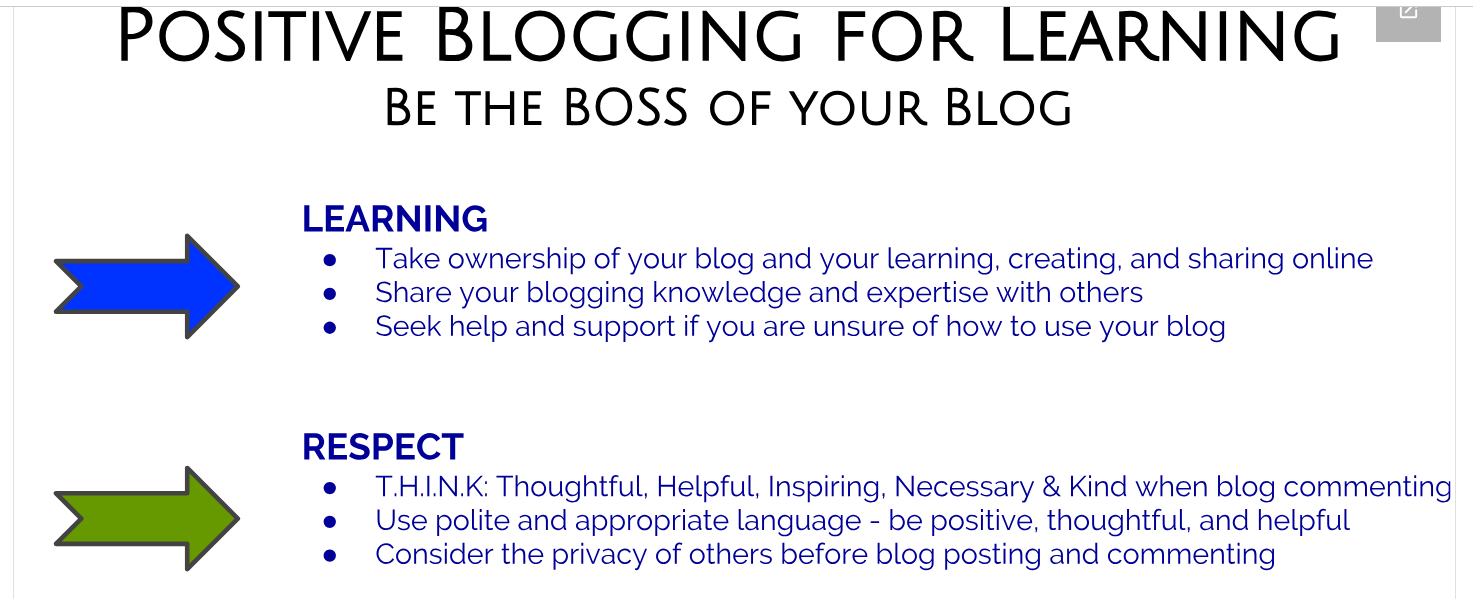
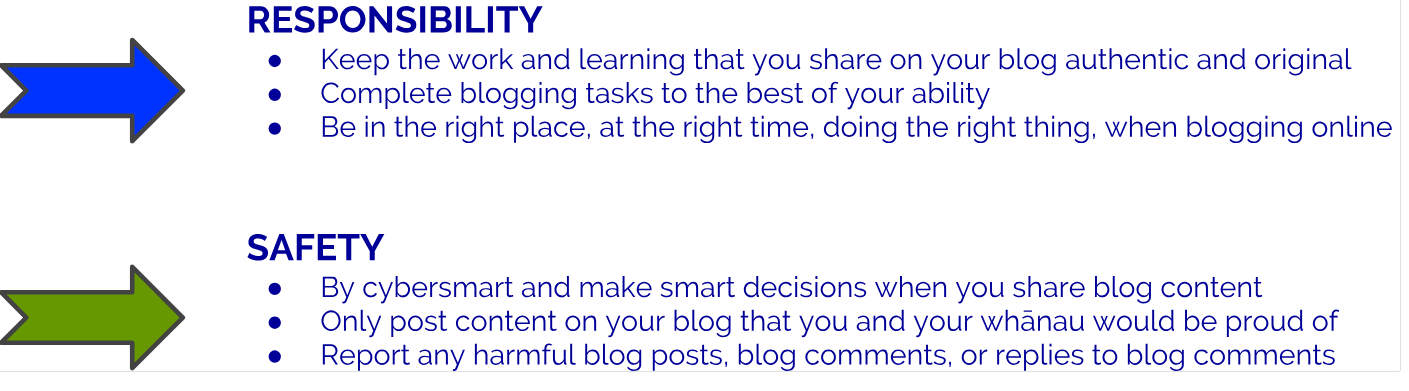
Blog commenting should be only positive. Some things should not be seen,
and should be kept offline (sharing personal data/personal info about a student etc)
Visibility :  surprise is not a fun thing in education; rather change the slides and share
this immediately with students.  Put the work up in advance; they can work through it on their own
time.
Visible = Accessible, available , advance.
We must use teacher dashboard (hapara) to ensure a safe learning environment/ to keep track;
parent portal on hapara?? Cool tool for the parents; they have access to their children’s docs/folders.
What is google class on air? Ask Kerry
Teaching as Inquiry:  (on Mainaikailaini website?) - Ask Kerry

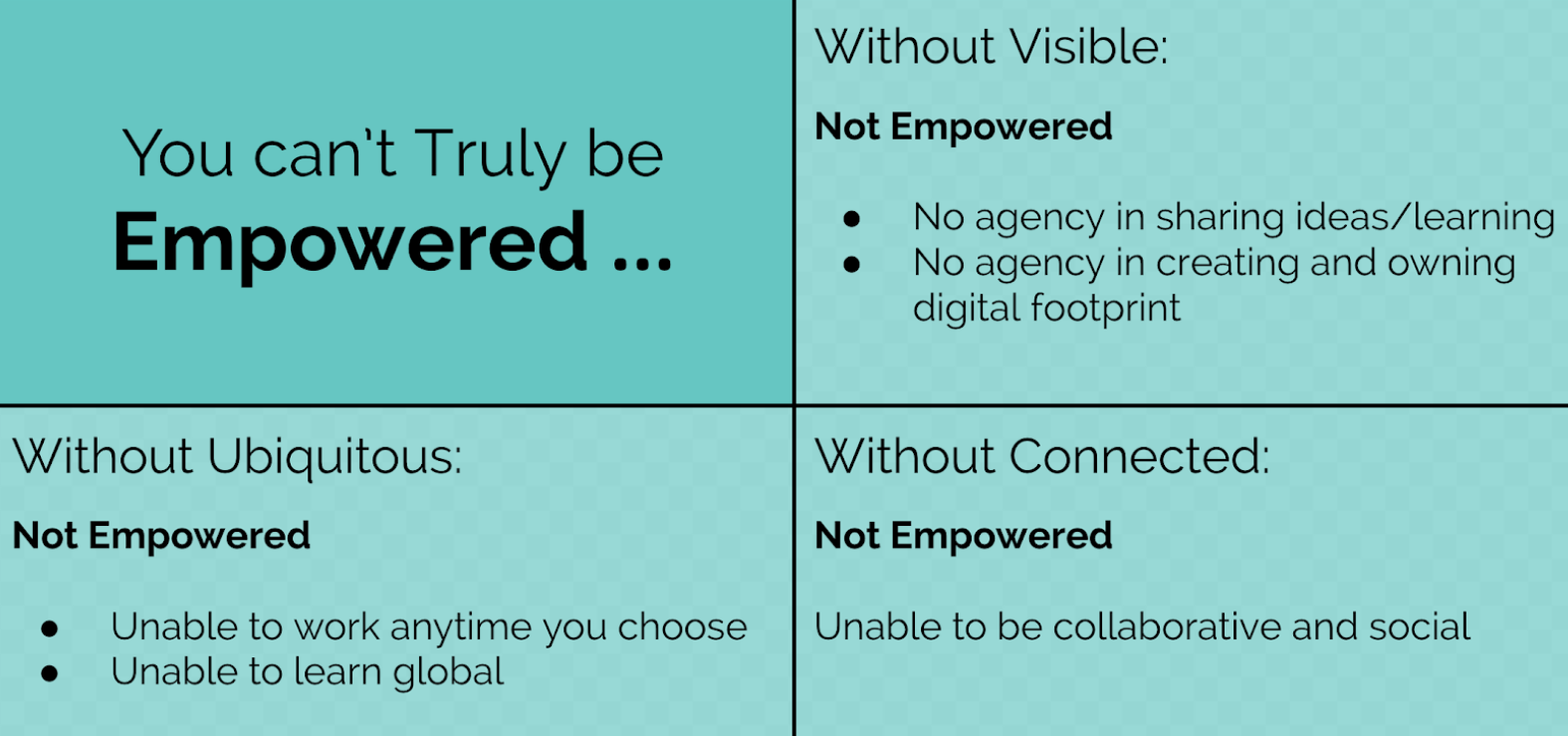
Students should be hooked into their learning; it empowers them if USED correctly
Your site is like a shop window...we want to “sell” our site!
Unfortunately the novelty wears off...and therefore
<iframe width="560" height="315" src="https://www.youtube.com/embed/5dK04QinqZY"

frameborder="0" allow="autoplay; encrypted-media" allowfullscreen></iframe>


Behavioural engagement should be the starting point….cognitive engagement
Hook and teach!!
Chrissie Butler:  Universal design for learning
You need to know how your teachers learn...some with videos, some teacher, etc. They need to
choose what works best for them, but they need to know the different ways that learning can happen.
fferent modes of engagement:  video, make something, strengthen their learning.
(text, videos, google slides, articles etc)
Investigate Padlet
Make a site...planning!! planning , planning!!
What is multimodal...using multiple modes to teach (same topic shown in different ways)

Let’s have a play:  
So create a site:  what content to we want to have on the website
HOMEPAGE
And then all the other topics
And then all the sub-pages
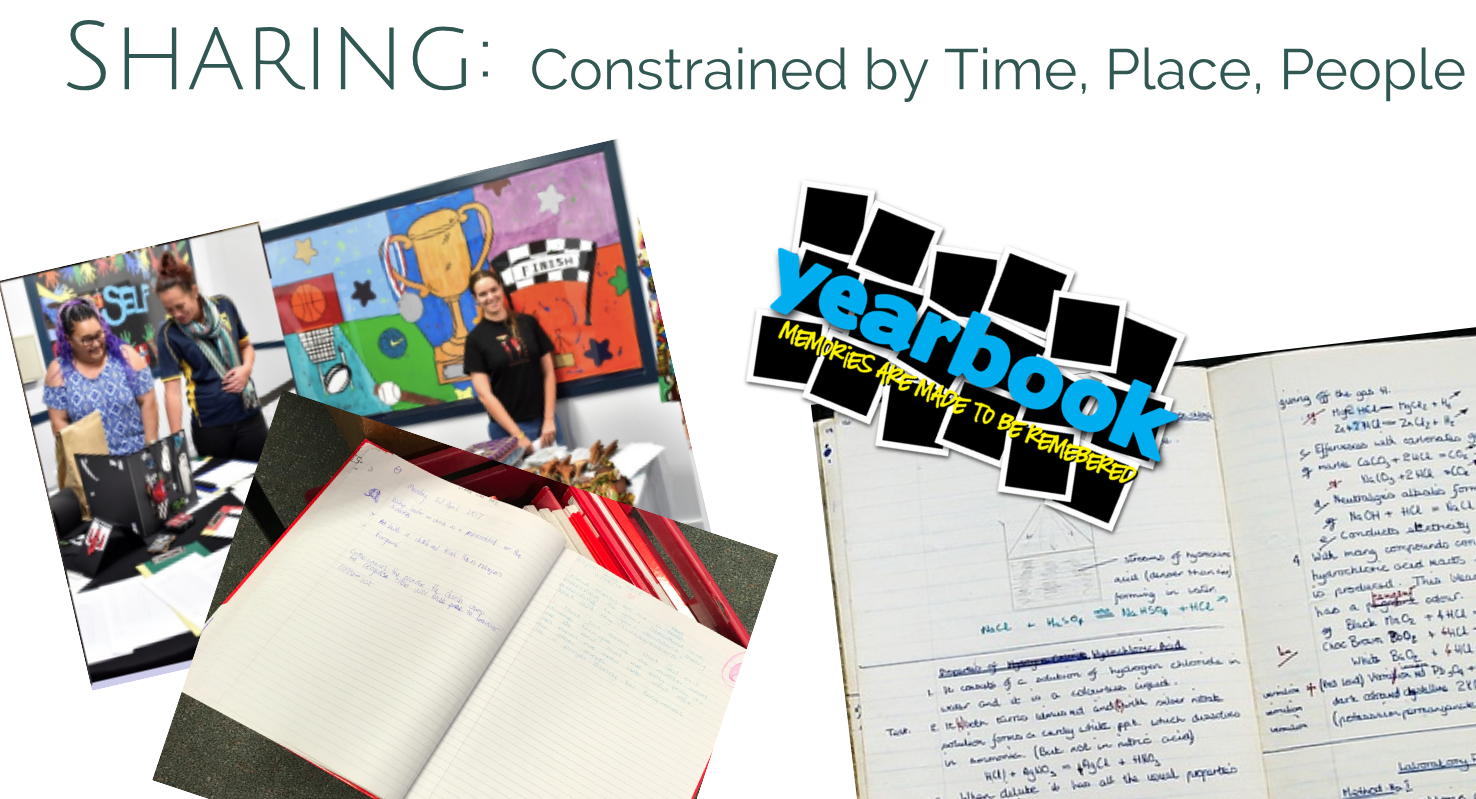
We made our own site today!!
https://sites.google.com/boic.school.nz/sandpit/home

I must admit:  I feel great and empowered after today's workshop!! Thanks everyone!!


Wednesday, 30 May 2018

Wednesdays with the north land gang

Wednesday 30 May:
I need help with:
Voice typing
Hapara
Learning part of the day: Dave
Whatever you are doing, sharing is viral and available...you can share! (you don’t need to be a rock star, you must just be online and able to share)
Now we go beyond the local community...easily.  Blogger plays a huge role in this. So Why do we choose BLOGGER?
People now choose to listen to learners sharing their learning; not just the teacher. With G suite domain we have a choice of how we want this sharing to happen. We choose the Blogger profile.  Guarantees the “three check system” We (teachers and students) can change the look.
Who did you share your details with? (one direction song)
Technology can put something together, which have not been there before. To make our world a better place, to problem solve, to help thinking outside the square.
Hour of code...such fun (especially if you, like me, not know Right from Left)

ASK Kerry about professional learning blog, labels and professional standards...so Kerry what should my labels be??? Still don’t understand this?